
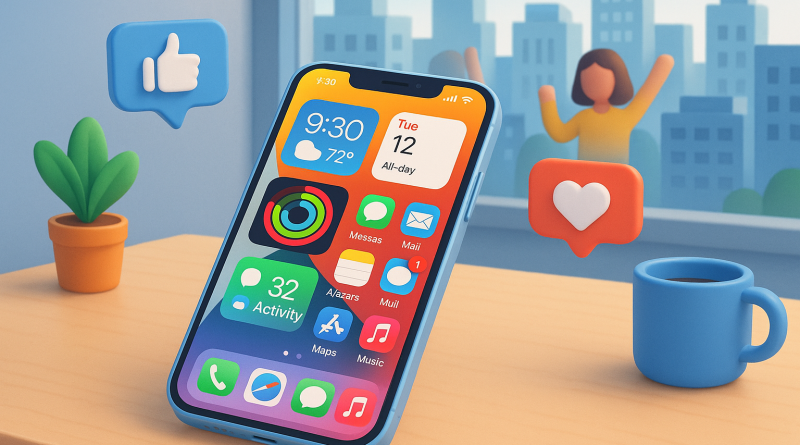
Mastering iOS 26 Widgets: A Beginner’s Guide to Smarter Mobile Living
As technology evolves, Apple’s latest operating system, iOS 26, continues to redefine how we interact with our iPhones. For online shoppers and everyday users alike, understanding how to use iOS 26 widgets can open a new world of convenience, personalization, and productivity. At iphone26.com, we’re here to guide you through this feature and show you how it fits seamlessly into a digital lifestyle.
What Are iOS 26 Widgets?
Widgets are mini applications that allow you to access essential app information without fully opening the app. In iOS 26, Apple has elevated this capability with interactive designs, smarter AI-driven suggestions, and deeper integration across third-party apps. Think of them as your personalized shortcuts to everything—from checking deliveries to tracking your favorite online deals.
How to Use iOS 26 Widgets
Getting started is simpler than ever. To add a widget, press and hold your home screen until the icons jiggle, then tap the “+” icon in the corner. From there, browse available widgets or search for a specific app. Once added, you can resize and reposition them to tailor your home screen around your favorite activities—whether that’s monitoring prices, viewing recent orders, or tracking your daily spending habits.
Why Widgets Matter for Online Shoppers
For those who spend time comparing products, tracking deliveries, or checking price changes, widgets are a quiet revolution. They deliver data directly to your screen in real time—no extra taps, no wasted seconds. Apps from major retailers are already using iOS 26’s new API to offer dynamic widgets that display live sale alerts and shipping updates right at your fingertips.
Unlocking the Potential
For beginners, the key is experimentation. Mix utility widgets (like calendar or payment tracking) with entertainment ones (like store discovery or wish lists). Soon, your iPhone becomes a dashboard for both work and play—optimized by you, powered by iOS 26.
Conclusion: Widgets are more than a visual upgrade; they’re a smarter way to engage with your device. As the digital marketplace grows, learning how to use iOS 26 widgets ensures that your phone works for you—not the other way around. Visit iphone26.com today to get the best in Mobile Communication Solutions and make the most of your iOS experience.