
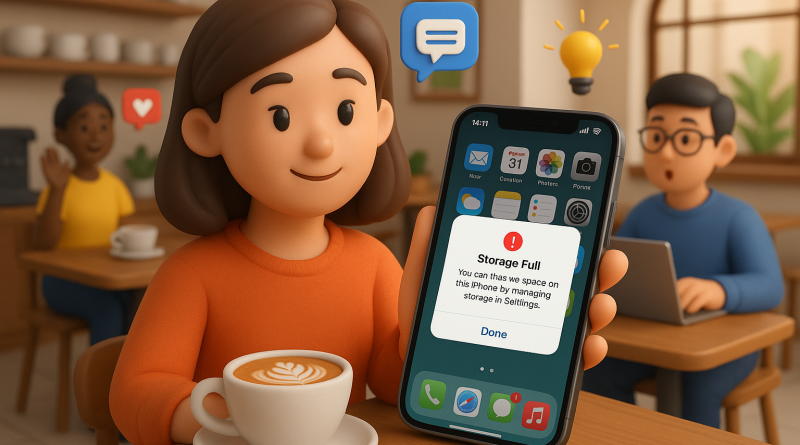
5 Real-Life Lessons I Learned from Running Out of iPhone Storage Mid-Deadline
Ever been on a video call with a client, juggling screenshots, mockups, and maybe a few voice memos… only to get that dreaded message: “Storage Almost Full”? As a freelancer who practically *lives* on their phone, this is my everyday digital drama. But instead of panicking, I’ve turned those moments into my own little system of iPhone storage management mastery. Here’s how it went down—and the tricks I learned along the way.
1. The Morning of the Missing Gigabyte
One busy morning, I was about to send a design draft when my iPhone refused to save a new file. I had no idea photos and cached content from apps like Slack and Instagram could balloon overnight. Now I make it a habit to check storage weekly under Settings → General → iPhone Storage. It’s a small step that keeps major headaches (and late submissions) far away.
2. Offloading Instead of Deleting
At first, I went on a deleting spree—and regretted it the next week when I needed one of those “unimportant” apps again. That’s when I discovered the Offload App option. It removes the app but keeps your data. So the next time I download it again, it’s like nothing ever happened. Genius move for keeping storage flexible while freelancing remotely.
3. Cloud Chaos vs. Cloud Control
I used to have iCloud, Google Drive, and Dropbox all running backup wars on my iPhone. The tip? Pick one main cloud system and stick with it. Keeping files scattered everywhere just eats bandwidth and mental space. Now, I rely mainly on one cloud and keep local copies only when necessary—smooth, fast, and synced across devices.
4. Screen Recording Mayhem
As someone who records quick app walkthroughs for clients, I realized screen recordings are massive space hogs. My quick fix: set a weekly reminder to trim or delete old recordings. And if I know I’ll need to reuse footage, I export it straight to external storage before Apple starts begging me for more space again.
5. The Hidden Weight of Messages & WhatsApp Media
Those memes and client file transfers? They pile up fast. I started clearing message attachments every Friday—it’s like digital spring cleaning. Bonus: I discovered half my storage issues came from GIFs I didn’t even remember saving!
Final Thought: Freelancers like us can’t afford digital hiccups. Efficient iPhone storage management isn’t just about saving space—it’s about saving sanity and staying productive. If juggling multiple messages and client calls is part of your daily grind, check out www.conXhub.com to simplify how you manage communications—so you can focus on your craft instead of your phone’s “Almost Full” alert.