
How to Turn Digital Chaos into iPhone Zen: A Power User’s Journey to Ultimate Storage Management
Every online shopper knows the thrill of unboxing a new gadget or downloading another app that promises to change your life. But here’s the catch: every digital treasure we collect comes with a hidden menace — storage clutter. Whether it’s memes from three summers ago, five versions of the same selfie, or a backlog of shopping screenshots, our iPhones eventually revolt. But fear not, dear digital connoisseur. This is the inspiring tale of how the power users at iphone26.com mastered the art of iPhone storage management — and how you can too.
1. The Great Digital Reckoning: Admitting You Have a Storage Problem
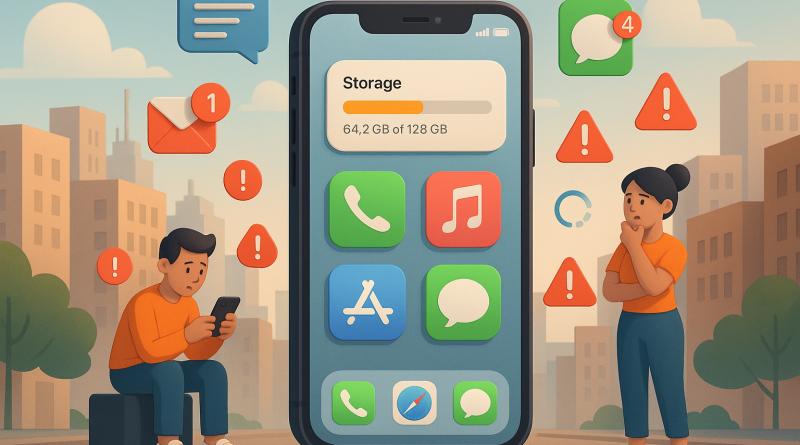
Every success story starts with an uncomfortable truth. For many of us, that truth looks like the “Storage Almost Full” notification flashing in bright defiance right as you’re trying to download another photo editing app. The first step? Acknowledge the clutter. Dive into your Settings → General → iPhone Storage and watch the colorful bar graph expose your digital habits in all their glory. It’s the audit your data’s been begging for — and it’s surprisingly therapeutic.
2. The Power of the “Offload” Option
If you’re the kind of user who refuses to delete an app on principle (because “I might need it later”), you’ll love this trick. iOS now lets you offload unused apps while keeping your data intact. That means your future self can reinstall Netflix or that long-forgotten game instantly — without losing any saved progress. It’s like putting your digital clutter in storage instead of throwing it out. Elegant, efficient, and perfect for power users who hate commitment.
3. Taming the Photo Tsunami
Don’t be fooled by how innocent your photo album looks. Behind that smiling selfie collection hides gigabytes of hoarded screenshots, duplicate shots, and ancient memes. The solution? iCloud Photos and smart album management. Move your full-resolution images to the cloud, enable Optimize iPhone Storage, and keep lower-resolution previews on your device. This simple toggle can save you several gigabytes — and your sanity.
4. Streamline Like a Pro Shopper
Online shoppers, this one’s for you. Your downloads folder is basically a museum of invoices, receipts, and promo codes that expired before the summer sale ended. Set a weekly reminder to tidy up — or better yet, use automation. Apps like Shortcuts can auto-delete files older than a set number of days. Treat your digital space like your wardrobe: if you haven’t “worn” (read: opened) it in months, it’s probably time to let it go.
5. Cloud Storage: The New Status Symbol
The true power user doesn’t just rely on built-in solutions. They diversify their digital real estate. From Google Drive to Dropbox to iCloud+, strategic storage investments keep your data accessible and safe. Think of it as the equivalent of upgrading from a tiny studio apartment to a storage penthouse. For the multitaskers who live online, iphone storage management paired with cloud syncing is the modern minimalist’s dream setup.
6. Caching Out: Clearing the Hidden Junk
Your browser and social media apps are quietly hoarding data in the background — much like that drawer full of tangled chargers and old receipts. Regularly clear caches and temporary files, especially in Safari and streaming apps. Pro tip: Reboot after a deep clean to refresh system performance. It’s your phone’s digital detox day — you’ll notice snappier performance instantly.
7. Messages: The Stealth Storage Culprit
Text threads with friends, group chats, and media-heavy conversations are silent storage killers. Go to Settings → Messages → Keep Messages and set it to 30 days. You’ll instantly reclaim precious space without losing touch with your digital social life. Pro-level users even use third-party messaging apps with cloud sync for an extra layer of smart iPhone storage management.
8. Automation: The Secret Sauce of Power Users
Automation isn’t just for coders and hackers — it’s for anyone who’d rather spend time shopping online than micromanaging storage. Use Apple’s Shortcuts app to auto-clear caches, delete old photos, or back up documents to the cloud. With a few custom scripts, your iPhone can become its own janitor. Efficiency at its finest, darling.
9. Turning Efficiency into Success: The iPhone26 Philosophy
At iphone26.com, power users aren’t just managing storage — they’re mastering digital minimalism. Every byte saved means faster load times, smoother performance, and more space for what really matters: your passions, your purchases, and your personal success story. It’s the modern-day equivalent of decluttering your workspace — but for the pocket-sized computer that runs your life.
10. From Chaos to Clarity: The Inspiring Lesson
Here’s the secret every seasoned digital enthusiast learns: true mastery isn’t just about having the latest device — it’s about knowing how to make it work for you. Once your iPhone is organized, productivity soars, creativity flows, and suddenly, you’re not just surviving in the digital age — you’re thriving. That’s the magic of smart iPhone storage management. It’s not just about files and gigabytes — it’s about reclaiming control over your digital destiny.
Conclusion: There’s a fine line between being a collector and being a curator of your digital life. When you cross that line — when your iPhone becomes lean, fast, and perfectly tuned — you’ll understand why the experts at iphone26.com preach the gospel of minimal clutter. Because once you master your storage, you master your space, your device, and your digital success story.
Ready to level up? Visit iphone26.com today to get the best in Mobile Communication Solutions and transform your iPhone into the powerhouse it was born to be.