
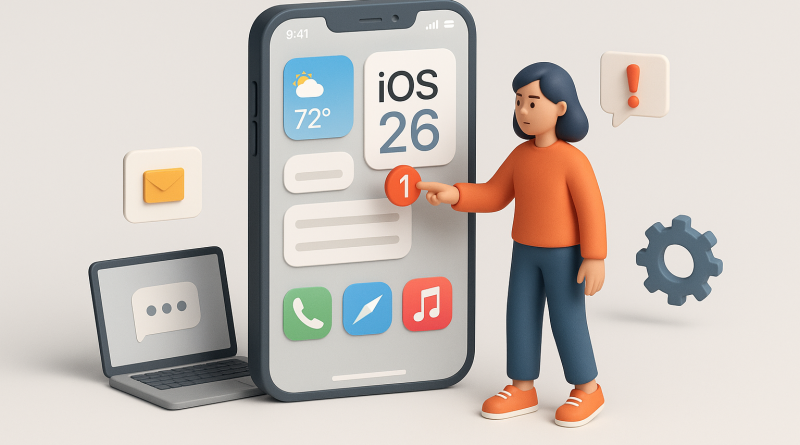
Your Step-by-Step Scenario Guide to Navigating the iOS 26 Update
Feeling unsure about updating to iOS 26? You’re not alone. Many mobile app users hesitate before diving into a new update, worried about performance issues or learning curves. At iphone26.com, we understand that technology should empower, not overwhelm. That’s why this ios 26 update guide walks you through the process like a trusted coach — calm, clear, and focused on what truly matters: your mobile experience.
Scenario 1: You’re Worried About Losing Data
Before tapping “Update Now,” take a moment to back up your essentials. Go to Settings → iCloud → iCloud Backup and make sure your data syncs properly. Think of this as your safety harness — it’s rare you’ll need it, but it’s essential for peace of mind. If you use third-party apps, open them and confirm they support iOS 26 to prevent any post-update hiccups.
Scenario 2: You’re Unsure How Long It Will Take
System updates can feel unpredictable — like waiting for files to download on a sluggish connection. Plan your update during downtime. Connect to Wi-Fi and keep your iPhone plugged in. Typically, the iOS 26 update installs within 20–40 minutes depending on device model and storage status. Trust the process, and avoid multitasking while it updates. Let your phone do its work, uninterrupted.
Scenario 3: You Notice Battery Drain After Updating
Don’t panic — this is normal. After a major update, your iPhone reindexes files and apps, which temporarily affects performance. Within 24–48 hours, things should stabilize. To help, check Settings → Battery → Battery Health & Charging. Closing unused apps and reducing background refresh can also optimize battery life during the transition.
Scenario 4: You Want to Explore New Features Safely
Start small. Try one new feature per day, such as enhanced widgets or improved notification control. Gradual exploration builds confidence without overwhelm. Document your favorite updates, and share them with friends — this turns learning into connection.
Every update is an opportunity to refine your digital habits and rediscover your device’s potential. Approach the process with patience and curiosity — your future self will thank you.
For more hands-on guidance and smart communication tools that elevate your mobile performance, check out www.conXhub.com.