
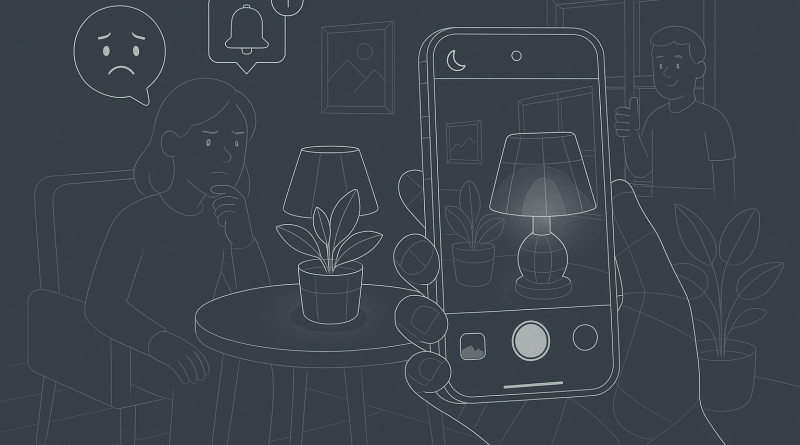
Mastering Low-Light iPhone Photography: How to Capture Stunning Shots When Light Fails
Mobile app users demand excellence—from performance to photography. Yet, even with Apple’s cutting-edge camera technology, low-light conditions continue to challenge iPhone enthusiasts and creators alike. Whether you’re documenting a night out or capturing the city skyline after dusk, understanding how to overcome your iPhone camera’s limitations can elevate your photography from grainy mess to gallery-worthy. At iphone26.com, we’re not just offering iPhone troubleshooting help; we’re equipping you with strategic techniques to solve real-world issues. Let’s tackle the most common low-light photography challenges and show you how to dominate them.
Challenge #1: Grainy or Noisy Images
One of the most frustrating artifacts of low-light photography is digital noise. This occurs when your camera boosts ISO sensitivity to brighten the image, introducing a speckled effect. The solution isn’t just technical—it’s strategic. Lower your ISO manually via a third-party app like Halide or ProCamera to reduce this noise while extending exposure time. Use a tripod or lean against a stable surface to prevent motion blur during longer exposures.
Challenge #2: Motion Blur from Hand Movement
Night shots require longer shutter speeds, making your iPhone more sensitive to movement. Stabilization is critical. For pro-level clarity, anchor your phone with a tripod. No tripod? Brace yourself by holding your body against a steady object or use the volume button of your volume-equipped headphones as a remote shutter. This avoids shake from tapping the screen.
Challenge #3: Underexposed Subjects
It’s easy to capture the mood of the night but lose the subject. iPhone’s Smart HDR occasionally prioritizes bright backgrounds like street lamps over faces or details. Fix this by manually adjusting focus and exposure—tap and hold on your subject to lock focus and slide the sun icon up to increase brightness. Use portrait mode sparingly; it can struggle in low light unless you’re using the iPhone 12 or newer with LiDAR sensors.
Challenge #4: Lack of Control in Native Camera App
Here’s where assertive users take control. The native iOS Camera app does well, but its auto-settings aren’t tailored for creative flexibility. Download manual control apps such as Lightroom Mobile or FiLMiC Pro to access ISO, shutter speed, and white balance. Applying these individually lets you sculpt the image rather than settling for what the algorithm wants you to see.
Challenge #5: Color Imbalance in Artificial Light
Street lights, neon signs, and home bulbs can cast weird hues on your photos. This isn’t a mistake; it’s an opportunity. Open your photo in the native Photos app or Snapseed to adjust white balance and correct colors. If you shoot in RAW (supported on newer iPhones through apps like Halide), you’ll have significantly more flexibility in post-processing to recover faithful tones and details.
Pro Tips: Push the Limits Intelligently
- Use Night Mode strategically. Newer models activate Night Mode automatically, but you can adjust the timer manually for enhanced results.
- Leverage Live Photos to select the frame with the most sharpness and ideal expression.
- Avoid zooming in low light. Digital zoom degrades quality—step closer instead.
- Customize your gear. Simple accessories like LED pocket lights, clip-on lenses, or even sheer curtains over lamps can completely evolve your composition.
When Trouble Strikes, Be Strategic
If your iPhone’s camera underperforms despite your best efforts, don’t panic—strategists recalibrate. Restart your camera app, toggle flight mode, and clear RAM. Still not fixed? It might be time to seek iPhone troubleshooting help through trusted resources or diagnostics. Never underestimate the power of a clean lens either; a microfiber cloth can make or break image clarity.
The bottom line: low-light photography requires more than pointing and tapping—it demands a tactical mindset. Combine technical knowledge with strategic tools, and you’ll redefine what your iPhone can capture in the dark. As mobile creators continue to crave more from their devices, forward-thinking users will lead the evolution.
Take control. Be creative. Illuminate your world.
For more expert techniques and unbeatable mobile camera strategies, visit iphone26.com—your digital partner in capturing life’s sharpest moments.
Ready to unlock the full potential of your device? Get the best in Mobile Communication Solutions today.