
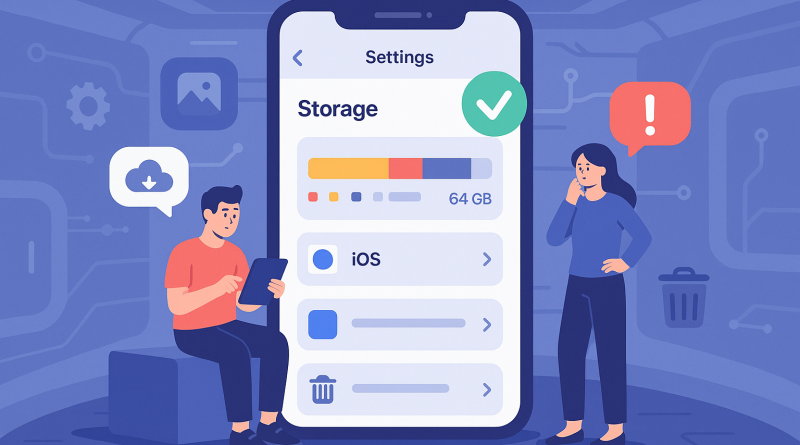
5 Beginner-Friendly App Tips for Easy iPhone Storage Management
Managing your iPhone storage doesn’t have to be complicated. With the right apps, online shoppers and mobile users can keep their devices running smoothly without sacrificing essential content. At iphone26.com, we understand the importance of optimizing your device for peak digital performance. Here’s a quick guide with five beginner-friendly app tips to help you take control of your iPhone storage.
1. Use the Files App to Organize Documents
The native Files app lets you view, organize, and delete documents stored on your iPhone or cloud services. Regular cleanup can improve device speed and reduce clutter.
2. Try ‘Gemini Photos’ for Cleaning Duplicate Pictures
This intuitive app scans your gallery, detects similar or duplicate images, and recommends which to delete—freeing up considerable space with minimal effort.
3. Offload Unused Apps
Enable app offloading in Settings, or use an app like Smart Cleaner to analyze and archive apps you rarely use, while keeping your data intact.
4. Use Cloud Storage Apps
Google Drive, iCloud, and Dropbox offer seamless file transfers off your device, reducing local storage use and enhancing accessibility.
5. Monitor Storage Usage with Smart Utilities
Apps such as Phone Cleaner for iPhone offer easy dashboards to monitor and manage your device’s memory, helping you stay ahead of storage issues.
With these simple app tips, iPhone storage management becomes an empowering habit—not a technical challenge. Embrace digital clarity and experience smoother mobile shopping and communication.
To get the best in Mobile Communication Solutions, visit iphone26.com today.