
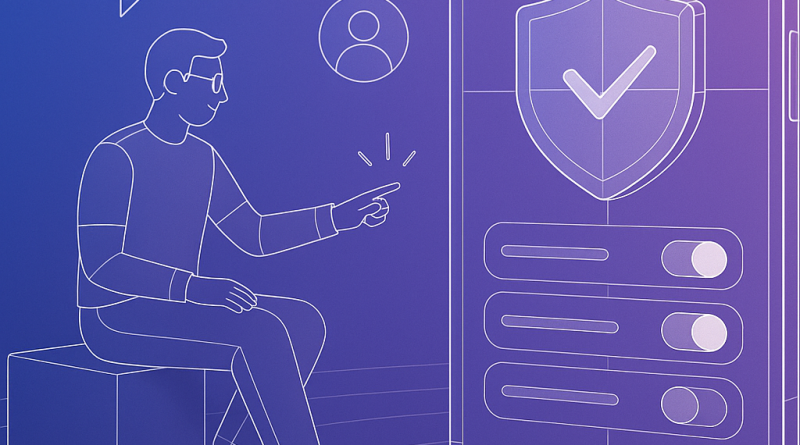
Mastering iOS 26 Privacy Settings: A Step-by-Step Guide for Developers
In a mobile-first world, privacy is no longer a secondary concern—it’s a core pillar of premium app design. With iOS 26, Apple continues its tradition of raising the privacy bar, offering developers an enhanced toolkit to ensure data transparency, control, and compliance. As we dive deeper into this digital era, any advanced iOS developer must fully understand and leverage these improved iOS 26 privacy settings—not just to protect users, but to demonstrate cutting-edge thought leadership in app development.
Step 1: Understand the New Privacy Manifest
In iOS 26, Apple introduces the Privacy Manifest, a developer-defined declaration of APIs and data usage. Begin by integrating the PrivacyInfo.xcprivacy file into your project’s root. Populate it with honest, descriptive entries that clarify which system features your app accesses (e.g., location, calendars, microphone) and why.
Tip: Keep your manifest synced with any third-party SDKs you utilize. iOS 26 now flags inconsistencies at App Store submission.
Step 2: Implement Required Reason API Strings
Apple now requires Justification Strings for your use of sensitive APIs. For example, if you’re accessing NSCameraUsageDescription, a generic note won’t suffice. Be precise. Instead of “App requires camera access,” try “App requires camera to scan QR codes for quick content load.”
To remain compliant, review your Info.plist thoroughly and ensure every API subject to a privacy trigger includes a compelling and accurate string.
Step 3: Sandbox All Third-Party SDK Behaviors
Use App Privacy Reports available in iOS 26 developer diagnostics to monitor how external SDKs operate within your app’s environment. Identify unexpected domains contacted or resources accessed.
Remove or modify SDKs that violate the intent of your declared privacy practices to prevent App Store rejections and maintain user trust.
Step 4: Allow Users to Audit Their Data
Apple encourages developers to add Data Export and Deletion flows. Not only does this align you with EU GDPR standards, but it enhances your app’s integrity. Implement UI-level tools to let users request and download a JSON or CSV of data collected.
Consider exposing endpoints or Secure Enclaves for high-security scenarios, especially if your app handles financial, medical, or biometric data.
Conclusion
iOS 26 privacy settings are not just regulatory hurdles—they’re an opportunity to reassert control, clarity, and confidence in your user experience. As an iOS developer, embedding these standards into your codebase is a sign of maturity, responsibility, and innovation. From writing Privacy Manifests to sandboxing SDKs, you shape digital trust one line of code at a time.
Ready to elevate your app experience? Optimize for privacy and join the leaders in mobile innovation. Visit iphone26.com to get the best in Mobile Communication Solutions.