Before and After: 7 iOS 26 Privacy Settings That Can Transform Your Productivity
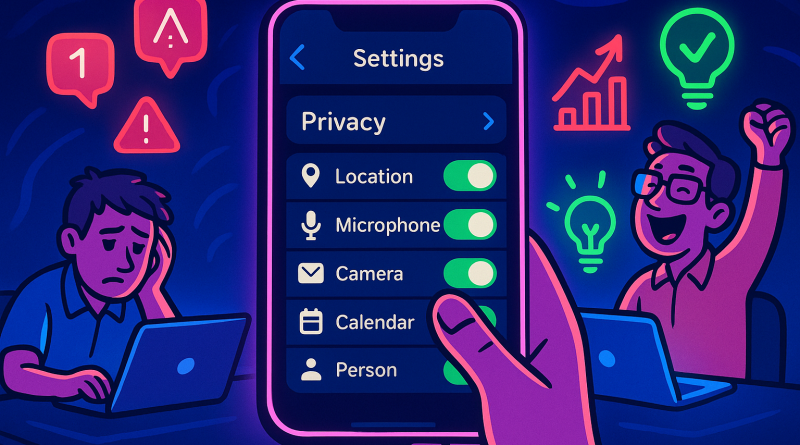
Your iPhone is more than a communication device—it is a mobile command center for ideas, conversations, schedules, and business decisions. But when notifications, permissions, and background activity compete for your attention, productivity quickly becomes reactive. The right ios 26 privacy settings can help you create a calmer, more intentional digital environment. Here are seven practical changes that show the difference between an iPhone that distracts you and one that works strategically for you.
1. Before: Every App Can Request Your Attention
When notifications are enabled by default, your day becomes a stream of interruptions. Messages, shopping alerts, social updates, and app recommendations all appear with the same urgency, making it difficult to identify what truly matters.
After: Review notification permissions and disable alerts for nonessential apps. Keep immediate notifications for communication, calendar, tasks, and critical work tools. Group less important updates into scheduled summaries or check them manually at a chosen time. This simple shift protects your focus without disconnecting you from important conversations.
2. Before: Location Services Work in the Background
Many apps request access to your location even when location data is not central to their purpose. Besides raising privacy concerns, constant background activity can consume battery life and create unnecessary digital noise.
After: Open Location Services and evaluate each app individually. Choose options such as “While Using” when continuous access is not needed, and disable location access for apps that offer no clear benefit. You gain more control over your data while reducing the number of services competing for system resources.
3. Before: Your Contacts and Photos Are Shared Too Broadly
Productivity often depends on fast access to files, images, and contacts. However, granting unrestricted access to every app can expose more information than necessary and make your digital workspace harder to manage.
After: Use permission controls to provide selected photos or specific contact access instead of your entire library or address book. This creates a cleaner boundary between personal information and professional tools. You can still share what you need while keeping sensitive data under your control.
4. Before: Apps Track Your Activity Across Services
Cross-app tracking can influence the content and promotions you see, but it also creates a broader data trail. For users who want a more focused mobile experience, constant personalization can become another form of distraction.
After: Review tracking requests in your privacy settings and decline permission when tracking is not necessary for the app’s core function. A more private setup means fewer irrelevant prompts and a clearer understanding of how your information is being used. Your attention becomes an asset you manage—not a resource every app can claim.
5. Before: Your Digital Identity Is Reused Everywhere
Signing in with the same email address across multiple services can be convenient, but it may also connect your activity across platforms. Over time, this makes account management more difficult and increases the impact of a compromised account.
After: Use privacy-focused sign-in options where available, including relay email features that keep your personal address private. Regularly review the apps and websites connected to your Apple account, then remove access you no longer need. A streamlined account ecosystem is easier to secure and easier to maintain.
6. Before: Microphone and Camera Access Stay Open
Communication apps need access to your camera or microphone, but not every app requires these tools. Leaving permissions untouched can create uncertainty about which services can access sensitive hardware.
After: Audit camera and microphone permissions, keeping access only for trusted apps and essential communication tools. Pay attention to privacy indicators when these features are active. This small habit creates greater confidence during calls, meetings, and content creation—especially when your phone is part of your professional workflow.
7. Before: Your Focus Mode Reflects Your Old Routine
Focus features are powerful, but a setup created months ago may no longer match your priorities. If every app and contact can interrupt work time, your productivity system is operating without clear boundaries.
After: Create Focus modes around real activities such as Work, Personal, Travel, or Deep Planning. Allow only the people and apps relevant to each mode, and connect them to specific schedules or locations. The result is a phone that adapts to your goals instead of demanding constant attention.
Privacy and productivity are not competing priorities. When you control permissions, limit interruptions, and establish intentional communication windows, your iPhone becomes a more capable partner in the digital economy. Take a before-and-after approach: review one setting today, measure how it affects your attention, and continue refining your setup. For smarter, more secure ways to stay connected, explore iphone26.com to get the best in Mobile Communication Solutions.