
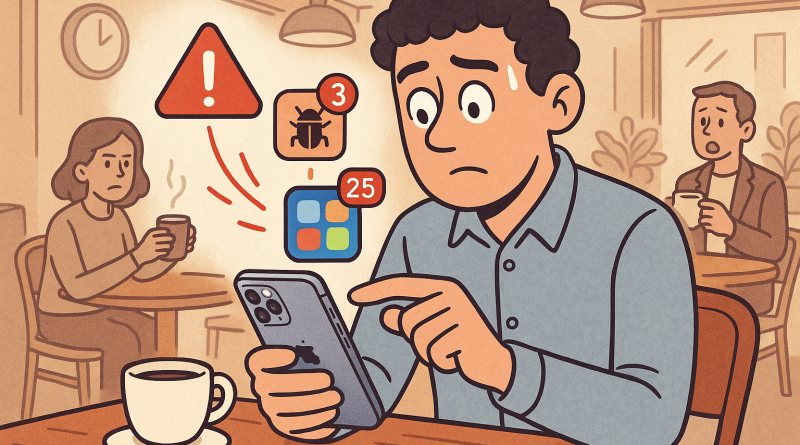
5 Challenges iOS Developers Face When Upgrading to iPhone 15 — And How to Overcome Them
The digital landscape never stops evolving, and for iOS developers, every new iPhone release feels like a call to level up. Upgrading to iPhone 15 isn’t just about owning Apple’s latest device—it’s about mastering the changes that come with it. At iphone26.com, we know that behind every sleek new feature lies a story of testing, adjusting, and creative problem-solving. Here’s a look at five real challenges developers face when making the transition, and what it takes to overcome them.
1. Adapting to Dynamic Island and New Display Dimensions
Remember when the notch first appeared and shook up every UI design guide? The Dynamic Island on iPhone 15 has done it again. Developers now have to rethink how their apps interact with space at the top of the screen. The challenge isn’t just resizing—it’s rethinking user experience. The key? Test early and often. Build prototypes with new display parameters and simulate animations that enhance rather than clash with Apple’s vision. Embrace these small design puzzles as creative opportunities, not just adjustments.
2. Navigating Camera API Enhancements
The upgraded camera system on the iPhone 15 introduces deeper control over image capture and processing. While that’s exciting for photography-heavy apps, it also means familiar APIs have new caveats. Handling real-time data from advanced sensors can slow down development cycles. The solution is to modularize your testing—focus on one feature or layer of the camera API at a time. Treat each change like a quest: master one mechanic before moving to the next, and you’ll save hours down the line.
3. Managing Resource Efficiency for A17 Performance
The A17 chip delivers lightning-fast performance—but it also expects your code to match its efficiency. When upgrading to iPhone 15, developers often discover that legacy code suddenly feels sluggish or redundant. The fix? Optimize with Xcode’s performance tools and reassess how often background operations run. Treat efficiency as a mindset, not a metric. Every time you trim execution time, you’re proving your adaptability in a fast-paced digital ecosystem.
4. Testing on Real Hardware in a Competitive Cycle
Simulator testing is convenient, but there’s no substitute for real hardware—especially when adapting to a new generation like the iPhone 15. Many developers face the hurdle of limited access, particularly early in the release cycle. The workaround? Build collaboration circles. Join other developers or small teams who share access to devices. It’s more than resource-sharing; it’s community-driven progress. Every shared test builds collective expertise and reduces friction across the digital industry.
5. Relearning User Expectations
With every hardware leap comes a psychological shift. Users expect faster response times, more immersive visuals, and seamless app transitions. When upgrading to iPhone 15, iOS developers have to anticipate these expectations before they’re even voiced. By diving into user feedback and analytics from earlier models, you can spot friction points early. Use this transition to rewrite small parts of your UX journey—because excellence is rarely found in major overhauls, but in consistent micro-improvements.
Conclusion: Every Upgrade Is a Story of Growth
Every developer who’s dared to upgrade knows it’s more than technical—it’s transformative. The transition to the iPhone 15 embodies the core of what it means to build for the future: adapt, experiment, and thrive through change. At iphone26.com, we celebrate those who see challenges as catalysts for innovation. Ready to take your development game to the next level? Strengthen your connectivity and collaboration—check out www.conXhub.com and craft your next digital success story.