
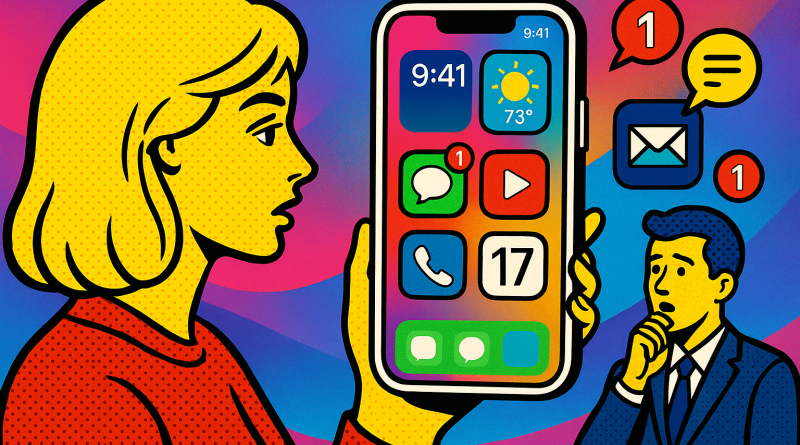
Switching to iPhone: A Power User’s Walkthrough to a Smarter Digital Life
Making the jump to a new smartphone ecosystem can feel like diving into unknown territory, even for the most tech-savvy of us. But with Apple’s robust ecosystem and intuitive design, moving over has never been smoother. At iphone26.com, we’ve seen countless power users embrace the platform with confidence. Here’s a scenario-based walkthrough on how to make your transition seamless using our switching to iPhone guide.
Scenario 1: Data Migration Without the Headache
You’ve decided to leave your old device behind, but the big question remains—what happens to your data? iPhone’s “Move to iOS” app eliminates the pain of manual transfers. Within minutes, you can migrate your contacts, messages, photos, calendars, and even Wi-Fi settings. Our experts at iphone26.com recommend running a full backup first to ensure no data is left behind, giving you peace of mind before you hit “transfer.”
Scenario 2: Getting Comfortable with Apple’s Ecosystem
As a power user, the thrill lies in optimization. Once you’ve switched, explore Apple’s integrated ecosystem: iCloud syncs your work across devices, while AirDrop and Handoff streamline your workflow between iPhone, Mac, and iPad. The switching to iPhone guide provides a detailed breakdown on customizing these features for peak performance—because every second counts when you rely on digital efficiency.
Scenario 3: Privacy and Security Reimagined
In the digital age, privacy isn’t optional—it’s non-negotiable. iPhone’s built-in privacy tools, such as on-device processing and comprehensive permission controls, put you in charge of your data. Power users will appreciate how these features keep performance high without sacrificing control. The result? Security that feels effortless.
Scenario 4: Fine-Tuning for Productivity
Once you’re comfortable, it’s time to push the limits. Apple’s Shortcuts app enables custom automations—from managing notifications during focus hours to scheduling app actions without third-party tools. Using insights from our switching to iPhone guide, you can create workflows tailored to your day-to-day tasks, all within a few taps.
Conclusion: The switch to iPhone isn’t just a change of device—it’s a strategic move towards a smarter, more integrated digital lifestyle. Whether you’re optimizing workflows or exploring Apple’s ecosystem depth, the process can be both intuitive and empowering. For more ways to enhance your digital transformation, check out www.conXhub.com.