
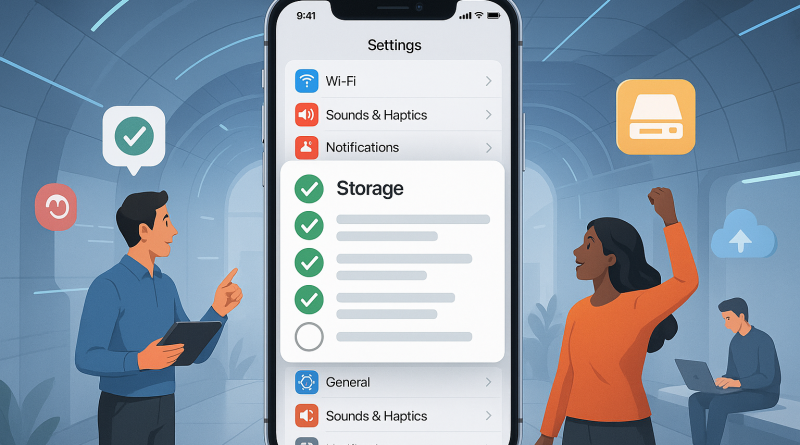
5-Step Interactive Checklist for Smarter iPhone Storage Management
As digital nomads, our iPhones are our offices, cameras, and communication hubs rolled into one! But when your storage fills up, productivity takes a hit. Let’s simplify iPhone storage management with this cheerful, interactive checklist from iphone26.com.
1. Audit Your Apps
Tap: Settings → General → iPhone Storage. Check those memory-hogging apps and offload the ones that no longer serve your journey.
2. Clean Up Photos
Action: Back up your media to the cloud, then clear duplicates. Use “Optimize iPhone Storage” for seamless syncing without hefty downloads.
3. Manage Messages
Step: Set messages to auto-delete after 30 days. You’ll be surprised how much space those old chats occupy!
4. Clear Safari’s Cache
Navigate: Settings → Safari → Clear History and Website Data. A cleaner browser means a faster, lighter iPhone.
5. Review Downloads Regularly
Reminder: Check your offline files in streaming apps—download only what you truly need on the move.
Mastering iPhone storage management keeps your digital life smooth and efficient—perfect for the freedom-loving nomad lifestyle. Visit iphone26.com to get the best in Mobile Communication Solutions and stay brilliantly connected wherever you roam!